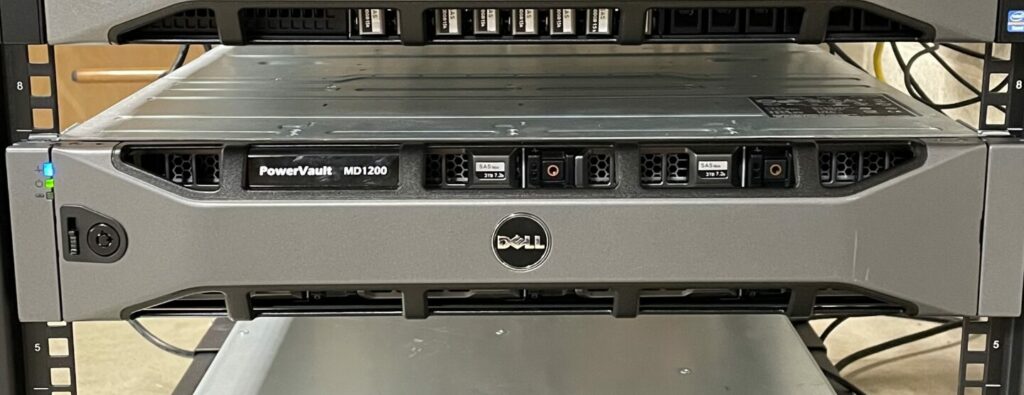
MD1200 disk shelf noise tuning
I’m currently running a TrueNAS install for my local network using an MD1200 as an external storage enclosure. The performance and behavior has been awesome, however the noise from the disk shelf was exceptional (even compared to stock settings on an r720).
These units have their fans within the removable PSUs and have been a great candidate for hardware modding
These doubled up fans (in each of the 2 power supplies) are the sole airflow for the unit, and their curves are tuned aggressively.
While this would be a solve of sorts, I ran across a ServeTheHome thread (there’s a lot of additional background and context about the MD1200 and 1220 in there as well) which gave some details on communicating with the shelf over a serial connection and how that could be used to tame the beast.
Rather than using jumpers I went ahead and splurged on a “Dell Password Reset/Service Cable” with product number MN657 for the connection and used tio for the software end.
Along with our trusty serial cable, we can go back from idling-jetliner to a reasonable level
1 | tio -b 38400 /dev/ttyS0 |
Which nets us:
The video shows 20% (the lowest it’ll accept) for dramatic effect, however I’ve since settled on 25% as there’s significantly more air without any appreciable increase in noise.
According to the STH thread, if you have two EMM’s with different firmware versions, it may cause “fighting” between them which can clear this setting, but luckily my two have been behaving just fine over an extended period.
The only caveat with this approach is that this speed setting will not persist between reboots. Luckily it’s a straightforward process, though if has to be done more than once every 6 months, it may be worth automating with a startup script.